
Say the right words, in the right order
Flight Crew Trainer is built for the phone and laid out again for iPad and Android tablets. Practise procedures, recalls, radio calls, and the descent table. Build them once in a profile. Train in silence, with the picture and the sound, or entirely by ear while you walk the dog.
Three ways to train
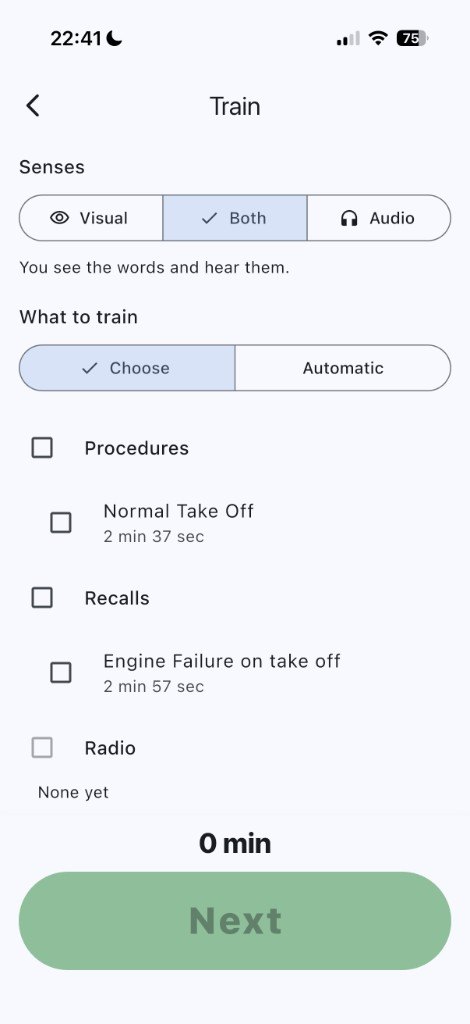
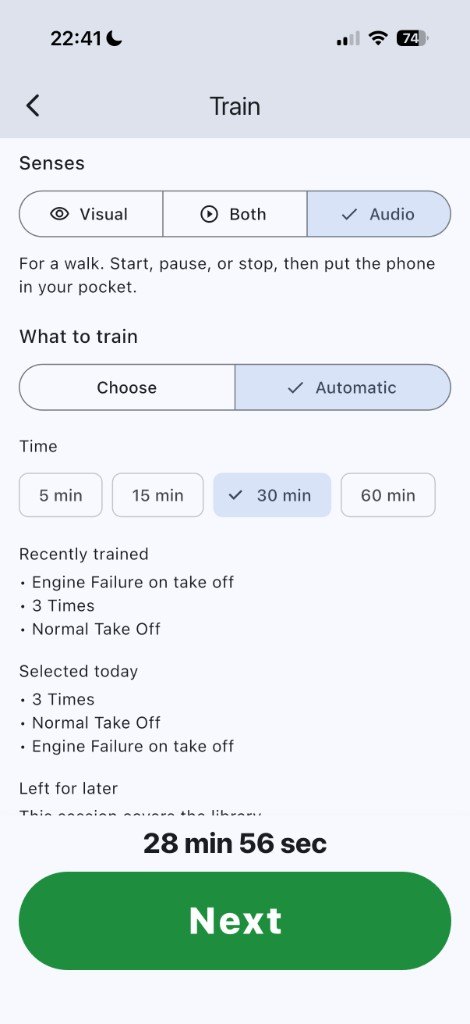
The same session, three senses. Pick one before you start.
Silence
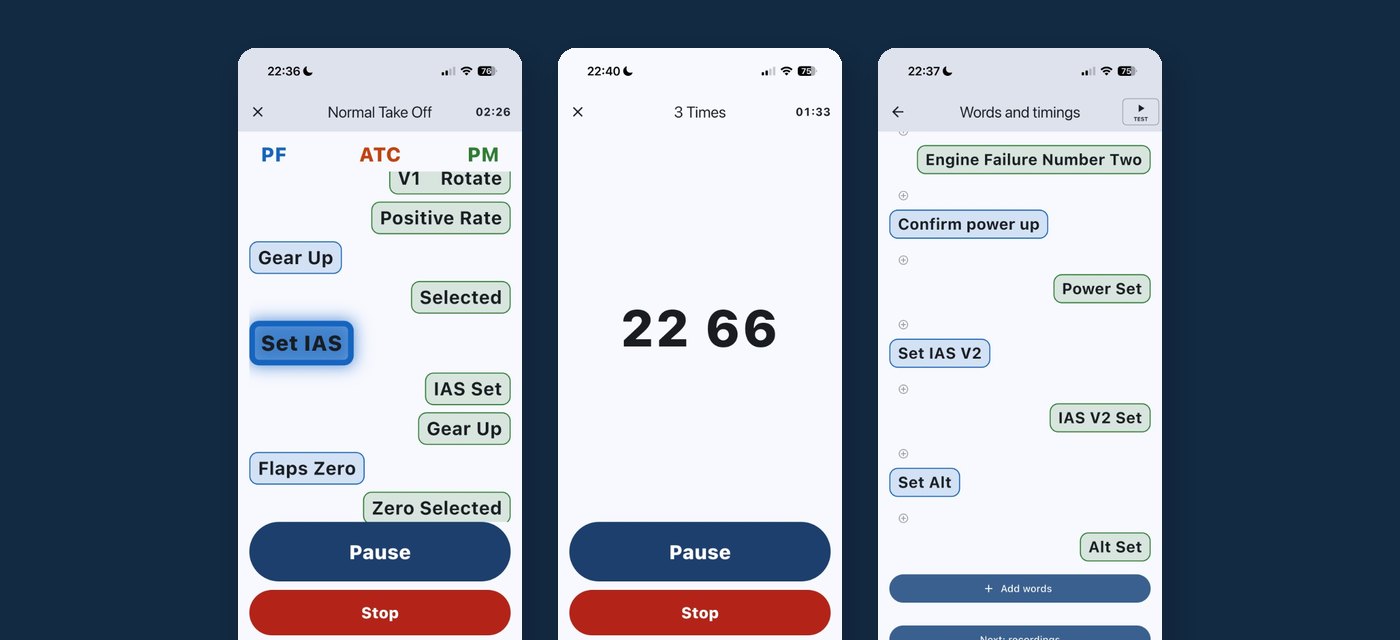
Visual only. You see the words and say them. The phone stays quiet. Useful on the flight deck, in a briefing room, or anywhere you cannot have sound.
Picture and sound
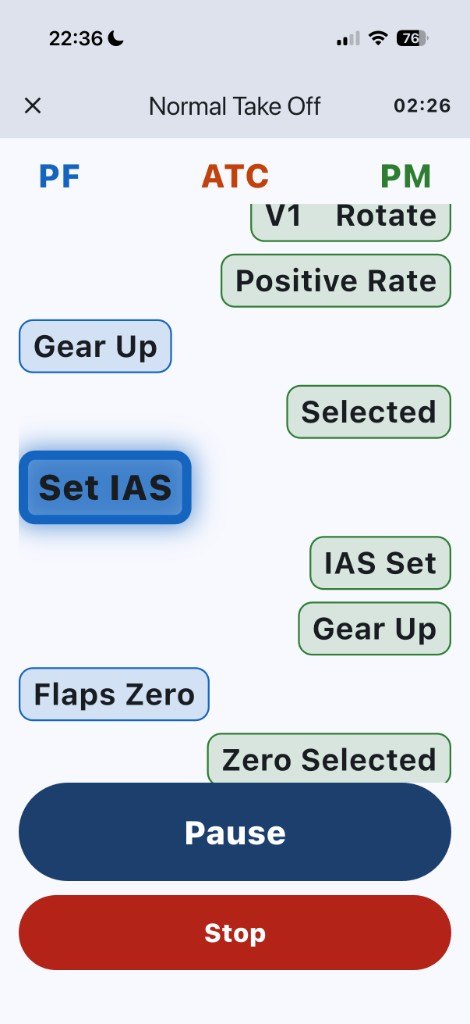
You see the words and hear them. Your recordings, or the voices already on the phone, play as each line comes up.
Walk the dog
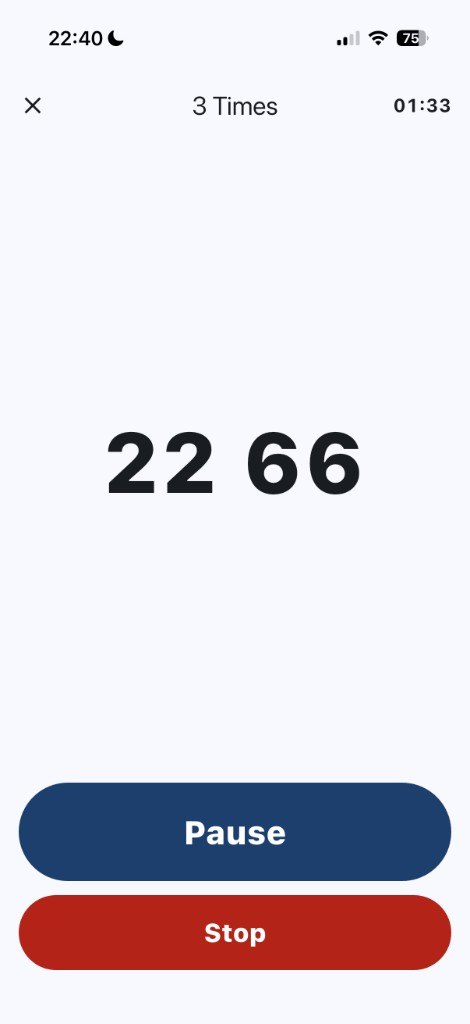
Audio only. Start the session, put the phone in your pocket, and train entirely by ear. Pause and Stop are there when you take it out again.
Build it in the library
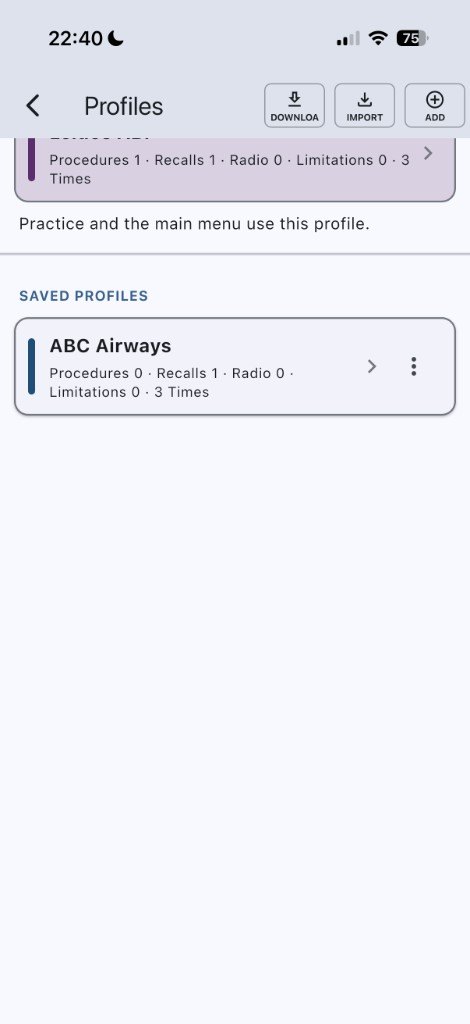
Folders to separate training
You can create or delete the folders. The defaults are Procedures, Recalls, Radio, Limitations, and 3 Times.
Words, then recordings
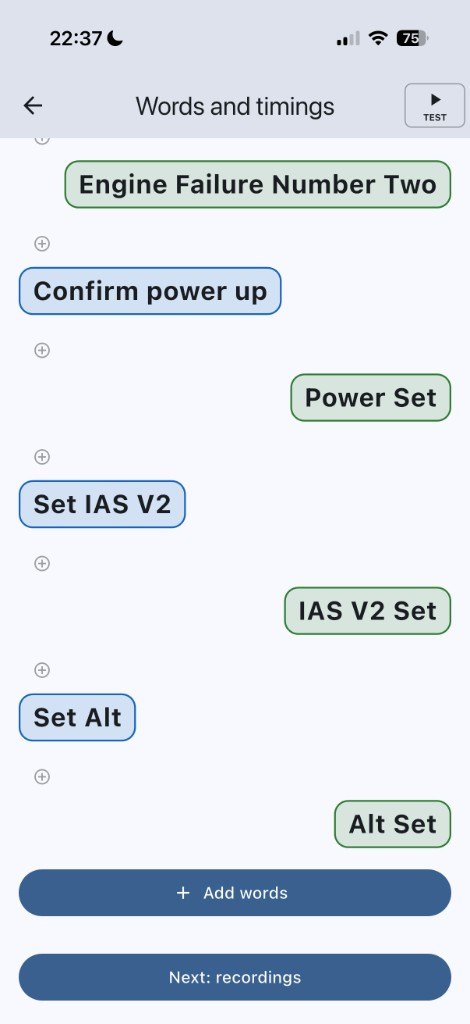
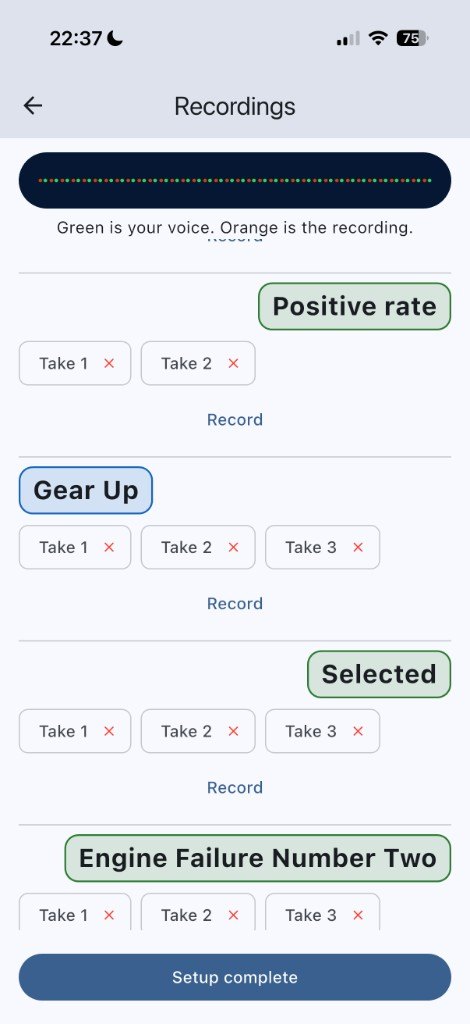
Write each line, say who speaks it, and set the gap. Record more than one take and keep the one you want. The phone can speak a line until you record it.
Two timings
Quick is a fast run-through. Actual is closer to the real call. A single line can add or take away a little time. Reset asks you first.
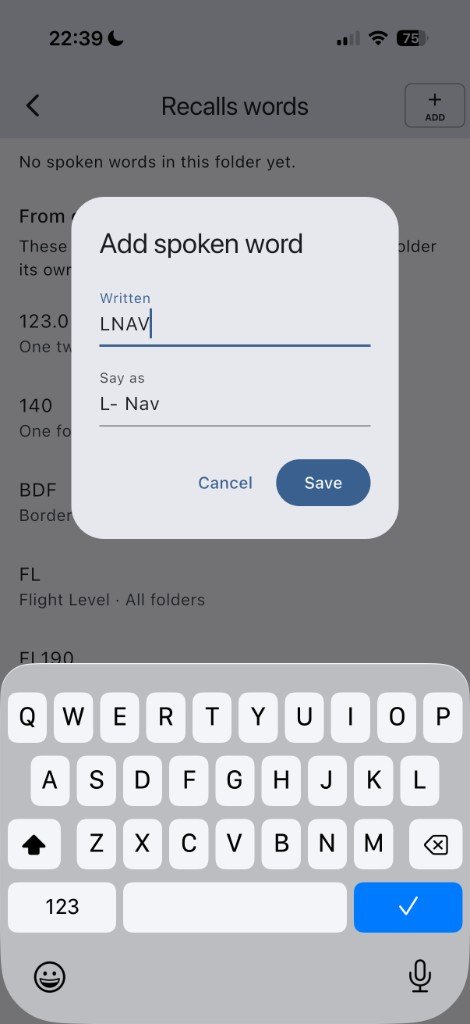
Spoken words
Tell the voice how to say a figure. 123 can be “one two three” in a recall and “one hundred and twenty three” in another folder. The folder you are in wins.
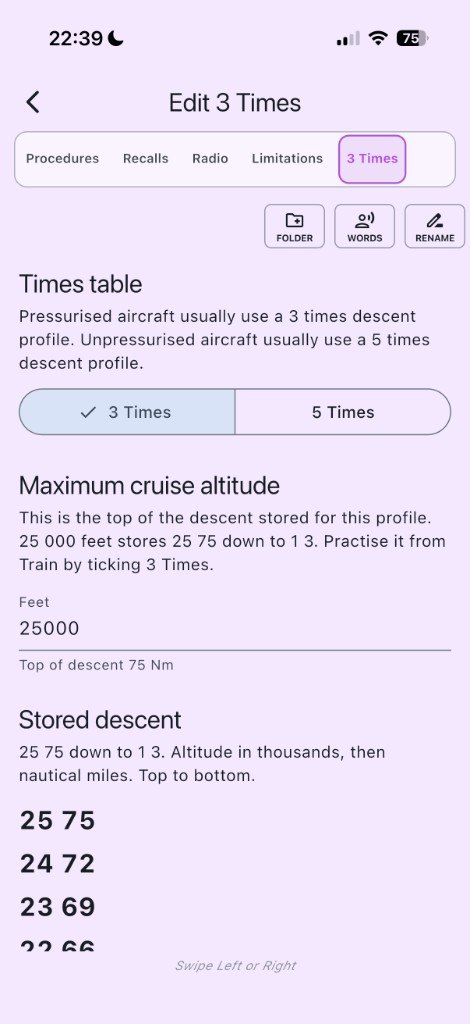
3 times or 5 times
Pressurised aircraft usually use a 3 times descent. Unpressurised aircraft usually use 5 times. Set the maximum cruise altitude. Train the table from Train, not from the library.
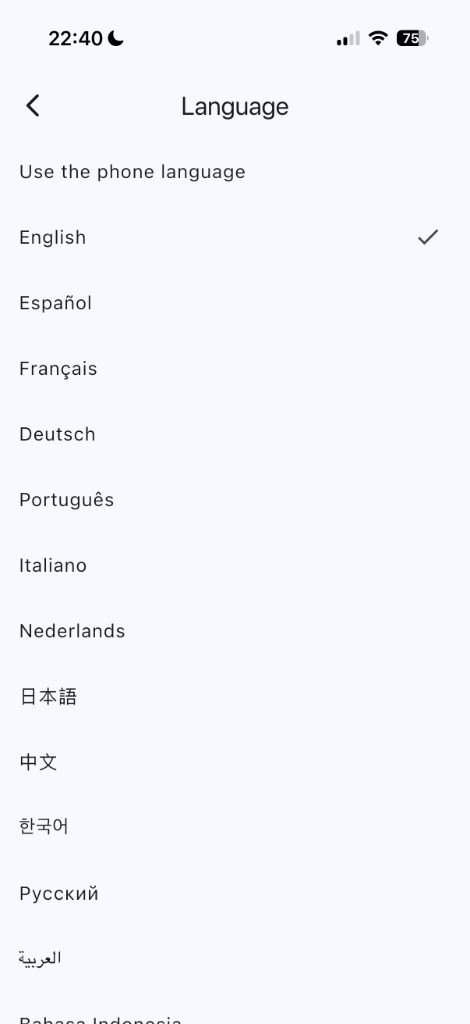
Your language on the screen
Fourteen languages, including Arabic right to left. The scripts, recordings, and profile name stay as they were written. A company profile does not change the language of the phone.
Profiles stay yours
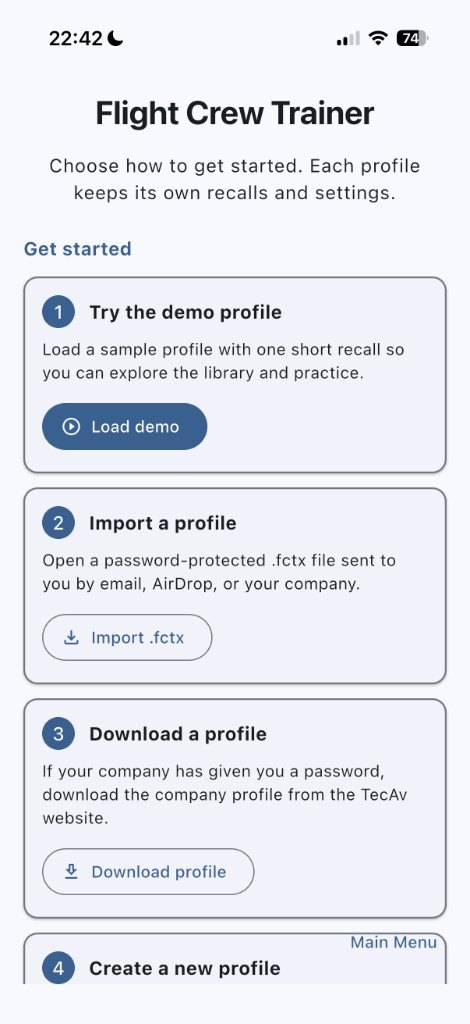
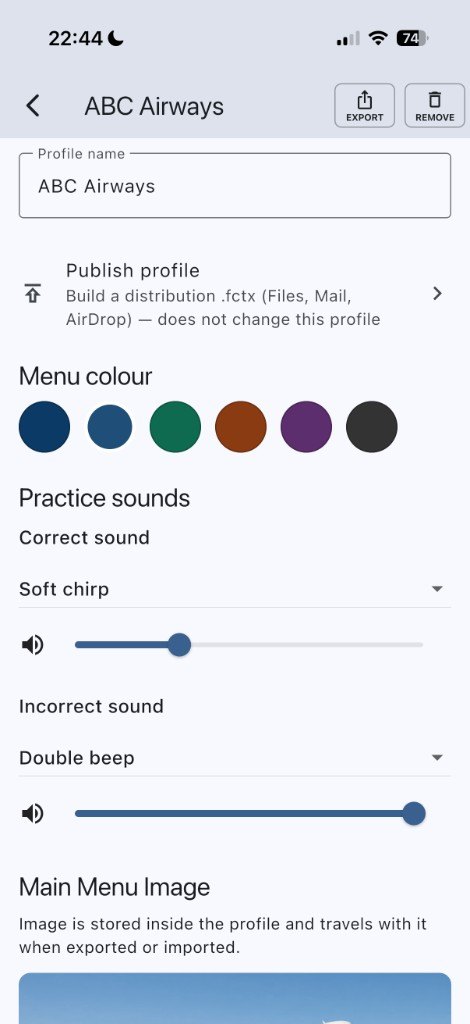
A profile can be a private one you build, or a company profile. Export and import are encrypted .fctx files. Only this app can open them, and only with the password. Publishing a locked copy does not change the profile you are editing.
One subject, or all of them
Flight Crew Trainer is the full app. The same training is also sold as one subject, so a store does not see four copies of one app.
Radio Trainer
Radio calls only. Sample flights included. No profile list.
Descent Trainer
The 3 times or 5 times descent, up to your cruise altitude.
Recall Trainer
Procedures and recalls only. You write the words. The library starts empty.
iPad and tablet
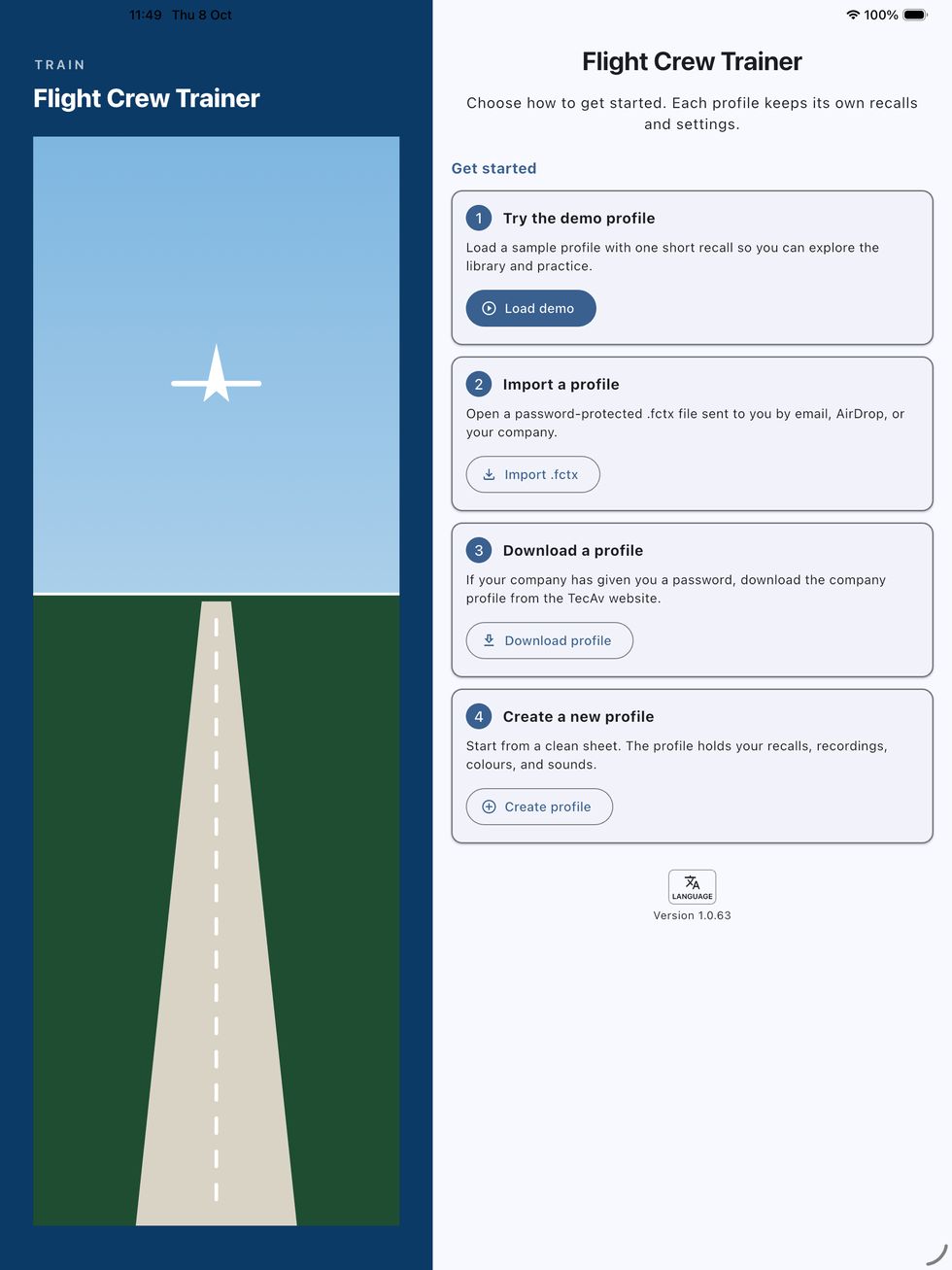
On a phone the screen is one column. On an iPad or a tablet a graphic sits beside that column, so it is not a stretched phone.
What it is not
Flight Crew Trainer is a practice aid. It is not an approved training device, not a substitute for an instructor, and not the company manual. You are responsible for what goes into a profile.