
Store listing
Text and answers for App Store Connect and Google Play Console. The app is not on either store yet. Paste from here when you submit.
URLs both stores require
| Field | URL |
|---|---|
| Privacy policy | https://tecav.com.au/radio-trainer/privacy.html |
| Support | https://tecav.com.au/radio-trainer/support.html |
| Marketing | https://tecav.com.au/radio-trainer/ |
| Terms | https://tecav.com.au/terms.html |
Identity
| Name | Radio Trainer |
| Seller | TecAv Software |
| Copyright | © 2026 TecAv Software |
| Apple bundle ID | com.tecav.radioTrainer |
| Android application ID | com.tecav.radio_trainer |
| Primary category | Education |
| Secondary category | None |
| Price | Set in the store. This page does not set a price. |
| In-app purchases | None |
| Ads | No |
| Account required | No |
| Devices | iPhone, iPad, Android phones, Android tablets |
Apple
Subtitle (23 of 30)
Aviation radio practice
Promotional text (98 of 170)
Practise radio calls with the voices on your phone or tablet. Sample flights included. No account.
Keywords (60 of 100)aviation,pilot,atc,phraseology,training,circuit,callsign,vfr
What’s new
First release. Works on iPhone, iPad, and Android phones and tablets.
Google short description
(54 of 80)
Practise aviation radio calls on your phone or tablet.
Description
931 of 4000 characters. Same text for Apple and Google.
Radio Trainer is aviation radio practice for iPhone, iPad, and Android phones and tablets.
There is no profile list. Sample flights are included for Australia, the United Kingdom, the United States, Canada, Ireland, New Zealand, and Singapore. Numbers in those scripts, such as a runway or an altimeter setting, are examples. Check the current chart before you fly.
Write your own calls. Each line has a speaker. Train in silence, with the words and the sound, or by ear. The voices are the ones already on the device. Put the ones you prefer at the top of the Voices page. Automatic training uses those more often and still rotates through the list.
Radio Trainer does not include procedures, recalls, limitations, or the descent table. Those are in Flight Crew Trainer, Descent Trainer, or Recall Trainer.
This is a practice aid. It does not replace an instructor or the published phraseology for the aerodrome you are using.
Age and content
- Apple age rating: 4+. No violence, sexual content, profanity, horror, gambling, alcohol, tobacco, or drugs in the app. Not Made for Kids.
- Google content rating: Everyone. No social features. No public sharing of what the user writes.
- User content: stays on the device. Not posted to a TecAv service.
Apple App Privacy
Data Not Collected by TecAv. If a spoken check cannot run on the device, that audio may go to Apple’s speech recognition. TecAv does not receive it. Data that stays on the device is not declared as collected.
Google Data safety
- TecAv does not collect user data.
- Audio may be shared with Google speech recognition only when a spoken check cannot run on the device. Purpose: app functionality. Not used for advertising. Not sold. Optional.
- Encrypted in transit: yes for any speech-recognition request the device makes, over HTTPS.
- No account, so no account-deletion URL.
- Ads: no.
Encryption
The app uses HTTPS only if it opens a page in the browser. It does not add its own encryption beyond what the system uses for speech recognition. On Apple’s export question, answer for the standard HTTPS exemption if the binary uses the system network stack. This page is not an export classification.
Screenshots still required in the store
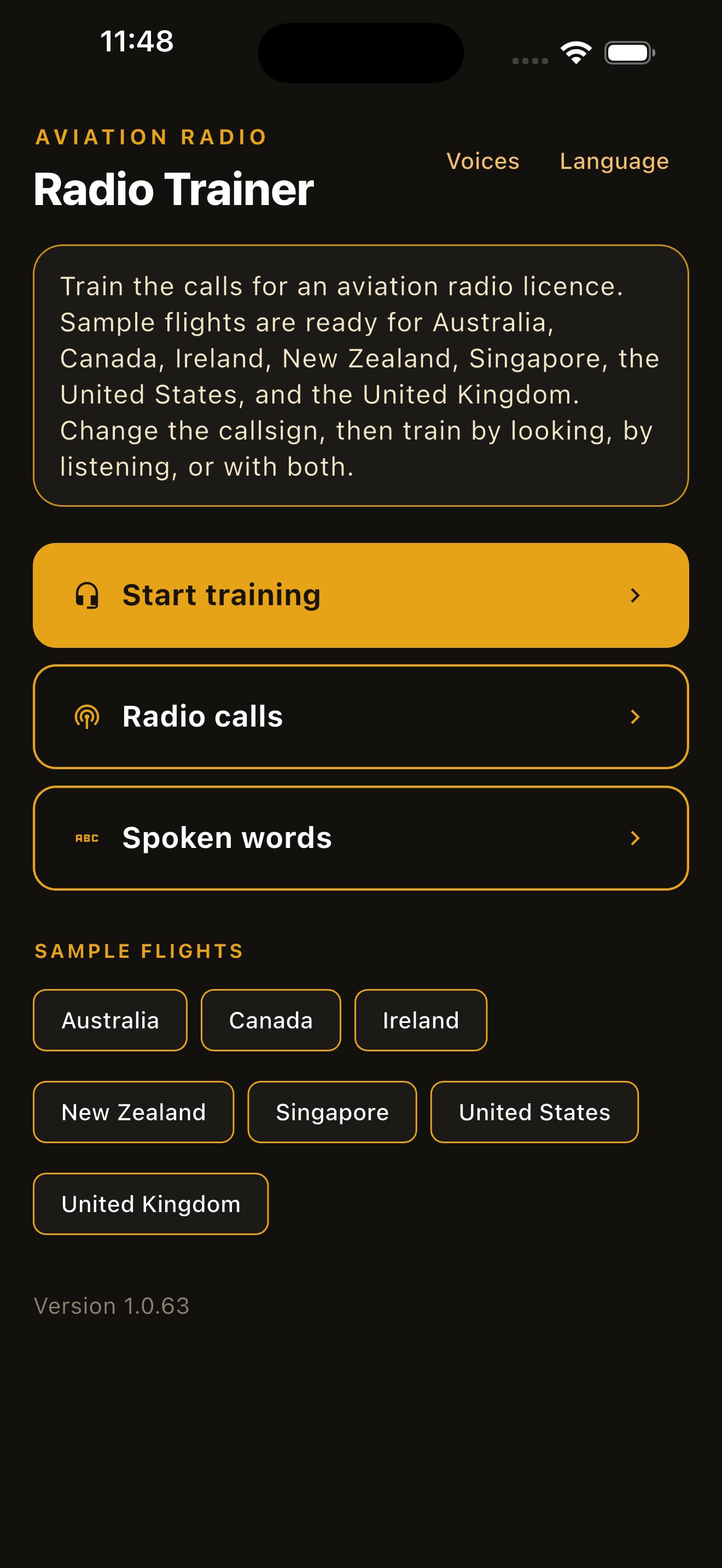
- Apple iPhone: at least one screenshot at 1320 × 2868, 1290 × 2796, or 1260 × 2736. App Store Connect scales that set to smaller iPhones.
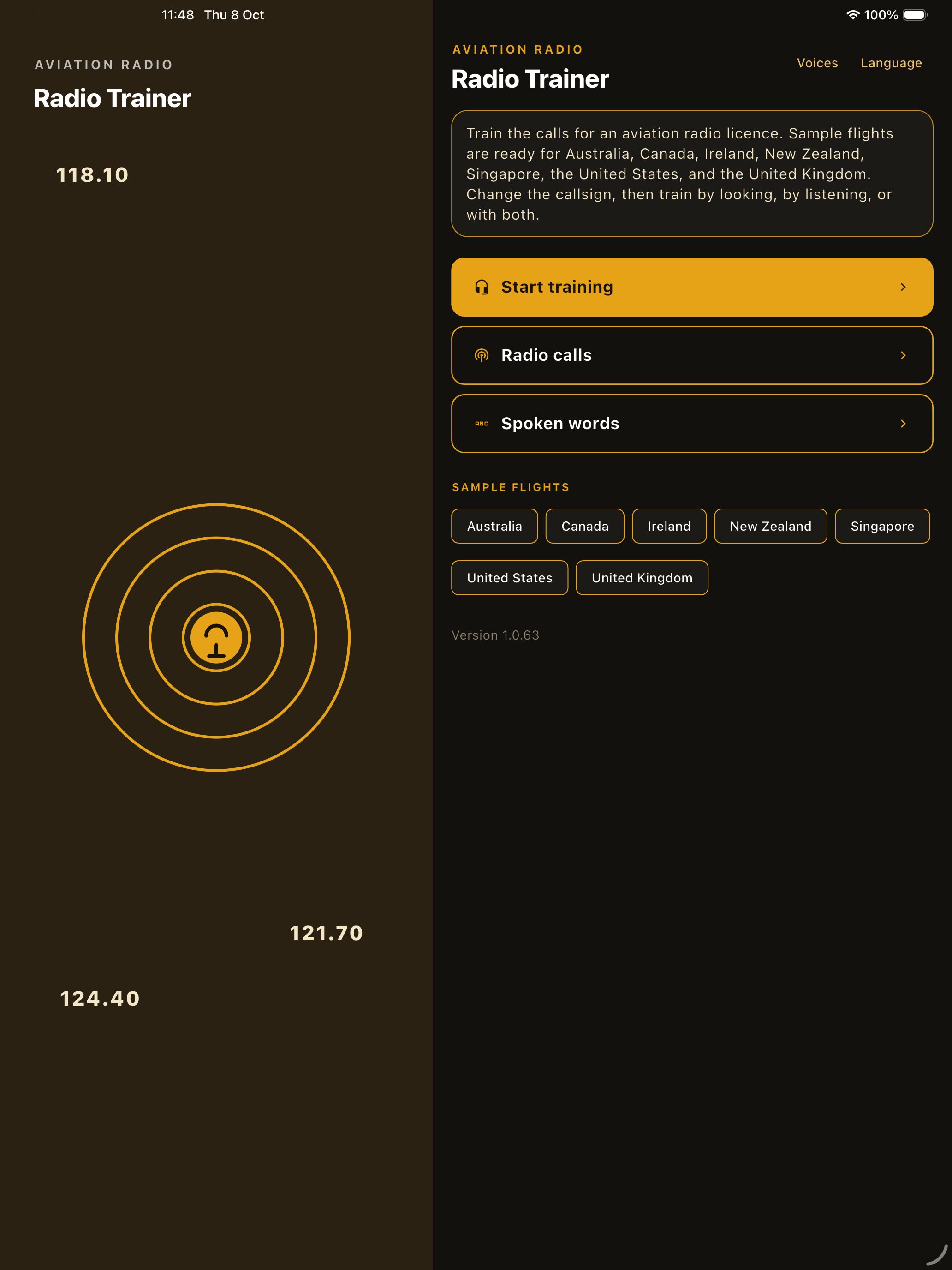
- Apple iPad: required. At least one screenshot at 2064 × 2752 or 2048 × 2732, portrait or landscape. It has to show the tablet layout.
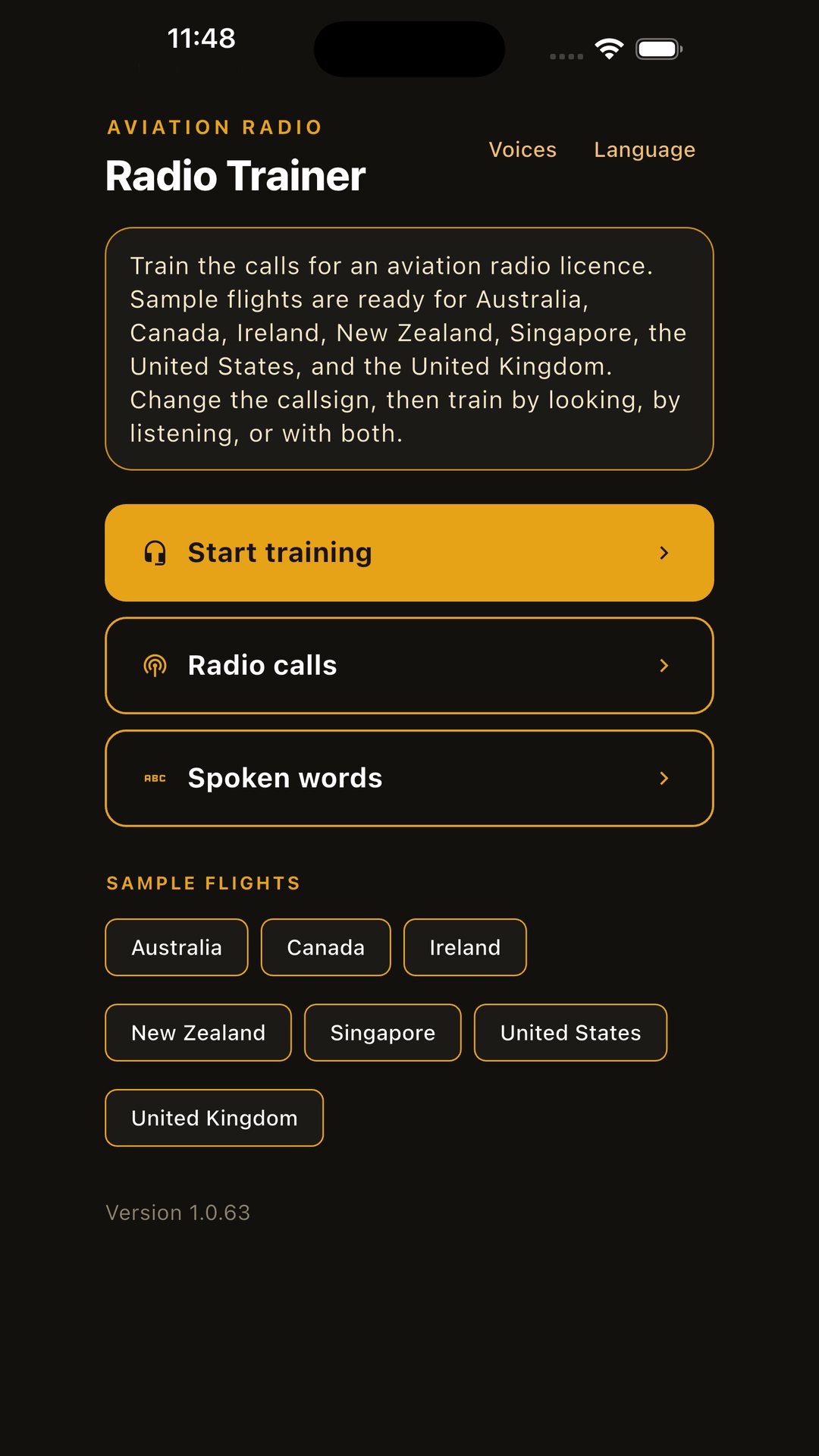
- Google Play phone: at least two screenshots at 1080 × 1920. Four if you want the larger recommendation slots. JPEG or 24-bit PNG, no transparency. Each side between 320 and 3840.
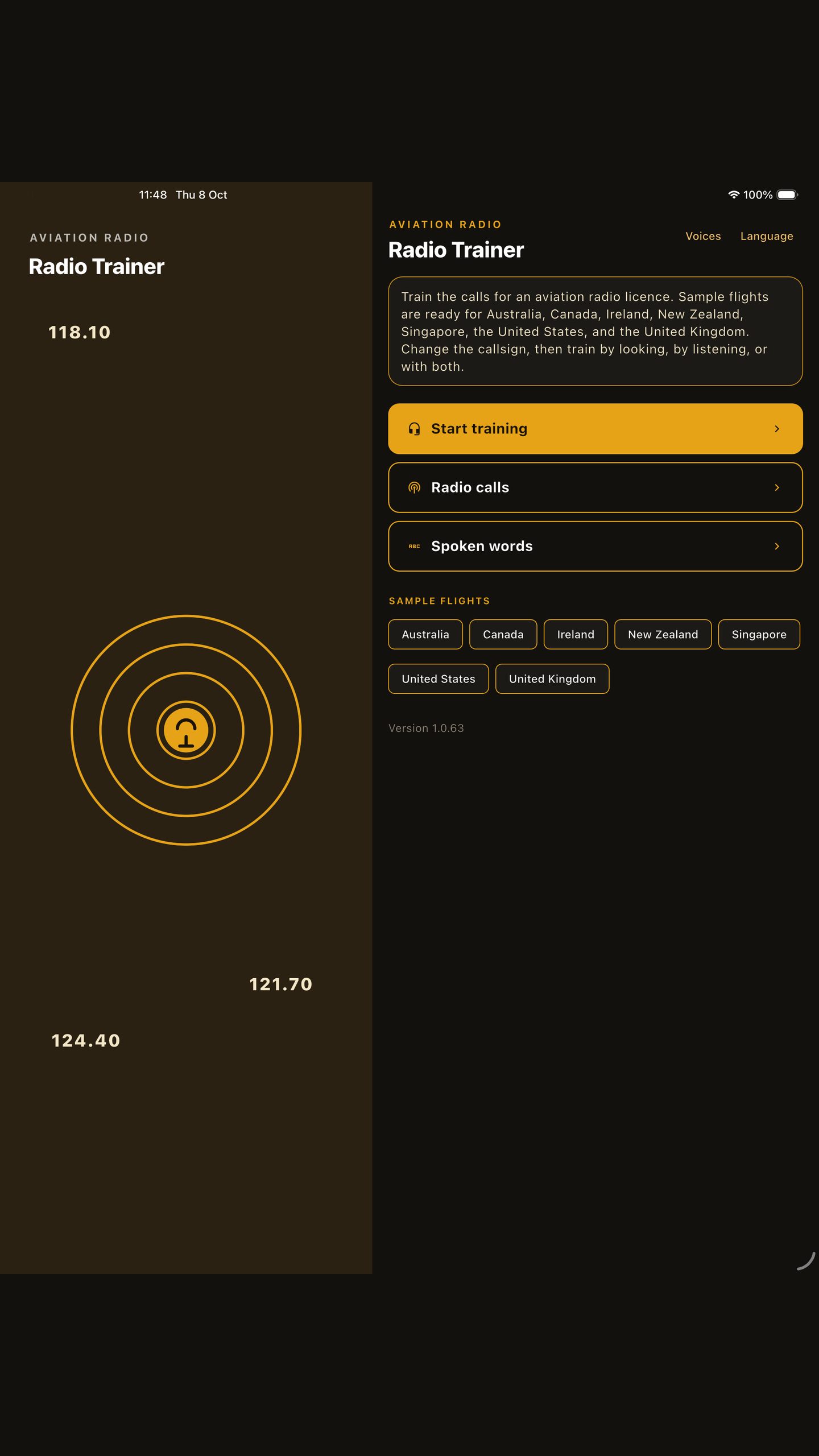
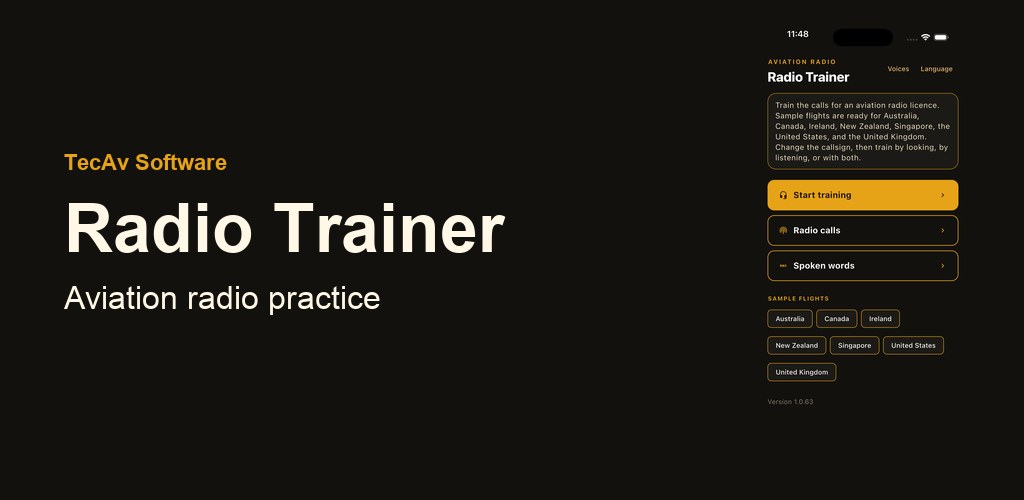
- Google Play tablets: 7-inch and 10-inch screenshots at 16:9 or 9:16, because the app supports large screens. Feature graphic 1024 × 500, no transparency. That graphic is not a screenshot.
Screenshot files
These are the sizes to upload. The pictures on the overview are smaller copies of the same screens.
- Apple iPhone, 1320 × 2868
- Apple iPad, 2064 × 2752
- Google Play phone, 1080 × 1920
- Google Play tablet, 1440 × 2560. Use this for the 7-inch and 10-inch slots until a separate Android tablet capture exists. It is the iPad layout, which is the same screen the Android tablet build shows.
- Google Play feature graphic, 1024 × 500
Review notes
No login. Open the app and use the home screen. Sample content, where the app has any, is already there. Recall Trainer’s library is empty on purpose.