
Quickstart
From install to showing a code on your watch — about two minutes once the watch app is set up. Tested with public transport and ferry tickets.
Save your first ticket (iPhone)
-
Open Barcode Ticket on your iPhone
Install from the App Store if you haven't already.
-
Tap + and choose Take Photo or From Photo
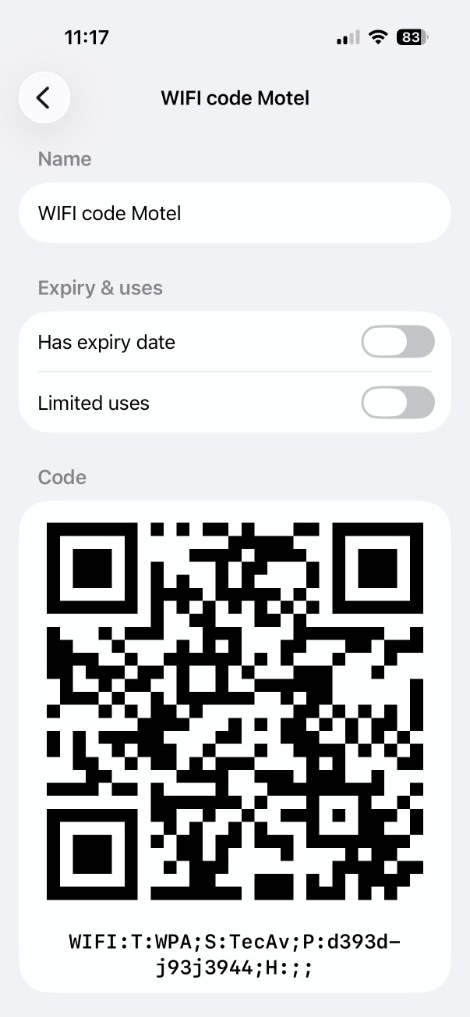
Photograph the ticket, or select a screenshot or photo of a barcode or QR code. The app finds the code automatically.
-
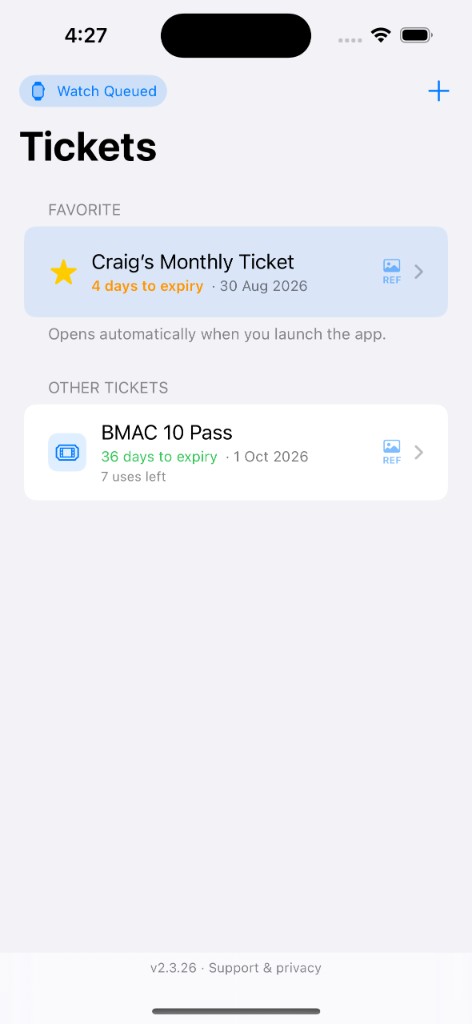
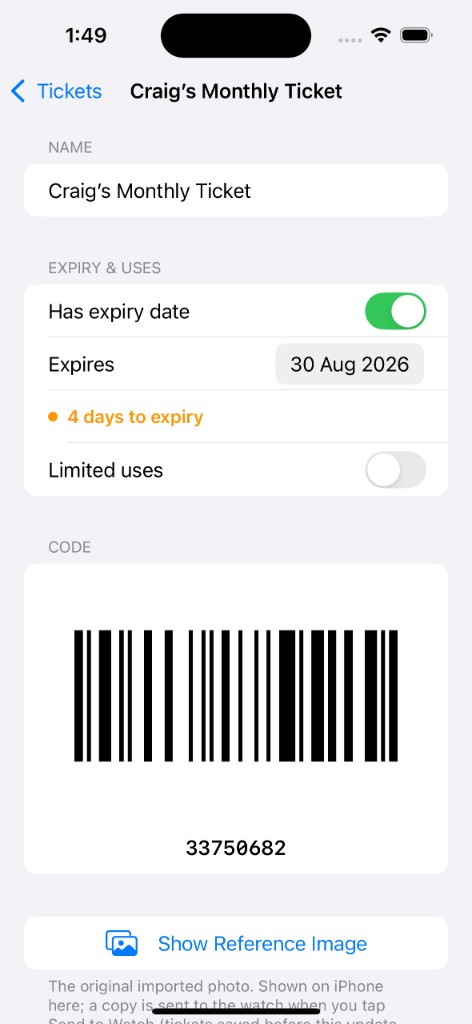
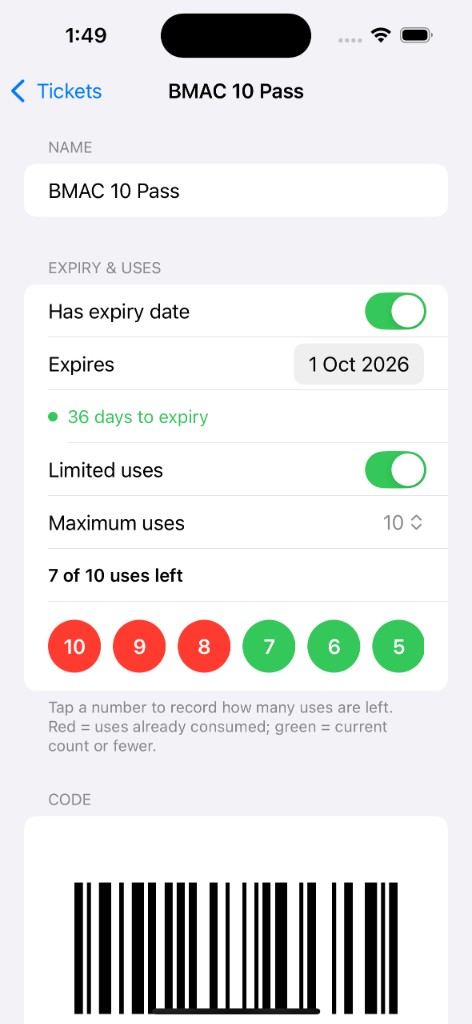
Name the ticket and save
You can add an expiry date or a limited-use count if you need them.
-
Send to Watch
Tap Send to Watch on the ticket. If the watch app isn't installed yet, the app will guide you (see below).
Install the watch app (one-time setup)
-
Open the Watch app on your iPhone
It's the round white app with a black watch face. Search for "Watch" if you can't find it.
-
Tap the My Watch tab
Bottom-left tab in the row at the bottom of the screen.
-
Scroll to Available Apps
Keep scrolling past apps already on your watch until you see the "Available Apps" heading.
-
Find Barcode Ticket and tap INSTALL
Alphabetical list — blue INSTALL button on the right. Wait 10–30 seconds for it to finish.
-
Send your ticket again
Return to Barcode Ticket on iPhone and tap Send to Watch. Later tickets can be sent the same way.
Show the code (Apple Watch)
-
Open Barcode Ticket on your watch
Your ticket list appears. Tap the one you need.
-
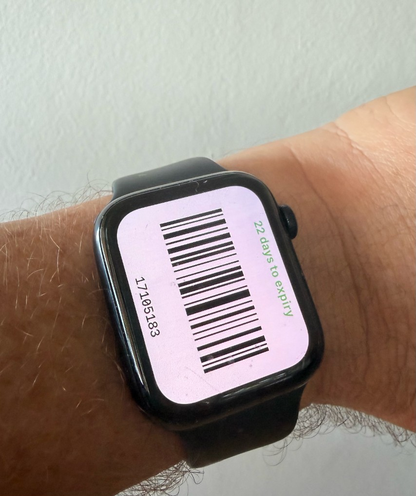
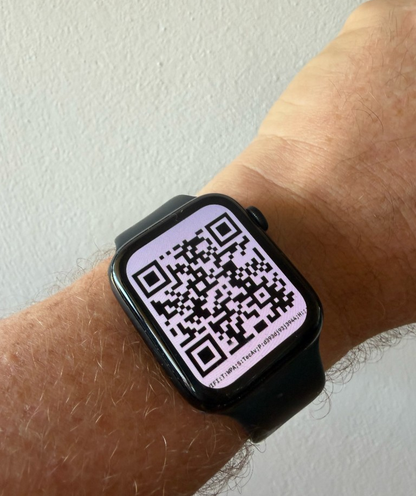
Hold the watch to the scanner
The code fills the screen. It brightens automatically. The display stays on when you lower your wrist.
-
Swipe for another ticket if needed
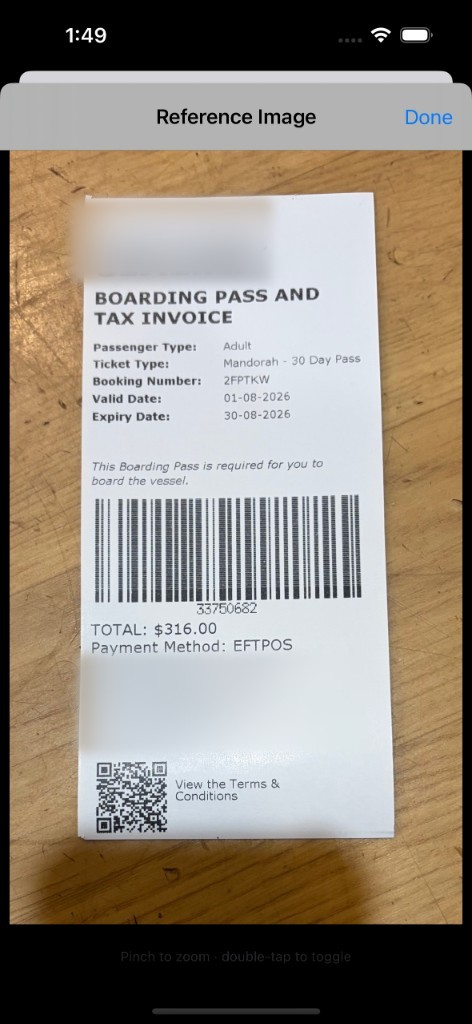
Swipe sideways between tickets. Hold the code (or tap REF in the list) to see the photo you imported.
Troubleshooting
- Keep your watch on your wrist or on the charger nearby. The dot at the top of the Watch app should be green or yellow, not red.
- If the watch battery is below 10%, installs pause until you charge.
- If Barcode Ticket doesn't appear in Available Apps, close and re-open the Watch app.
- Need help? Contact support.
- This app stores codes you already have. It is not a certified boarding-pass system and not a substitute for Apple Wallet.