
Find the page in your own manuals
Have you been asked a question you think you can answer, but you are not sure? The answer may be in any one of 10 manuals, and you cannot remember which. That is where Av Search is useful.
Many PDFs at once
Av Search looks through the PDFs together. On a phone or an iPad, that can be more than 800 separate PDFs. Most of the processing and indexing is done when the PDFs are loaded. The search after that is near instant.
How many PDFs depends on how new the device is, and how powerful it is. An older device can search up to 100 PDFs without trouble.
Word search is the way in. If the device is relatively new, you can add Qwen3 on the device, at no extra cost. It helps find what ordinary word matching misses. Qwen3 stays on the device. Your manuals are not sent.
Four ways to match
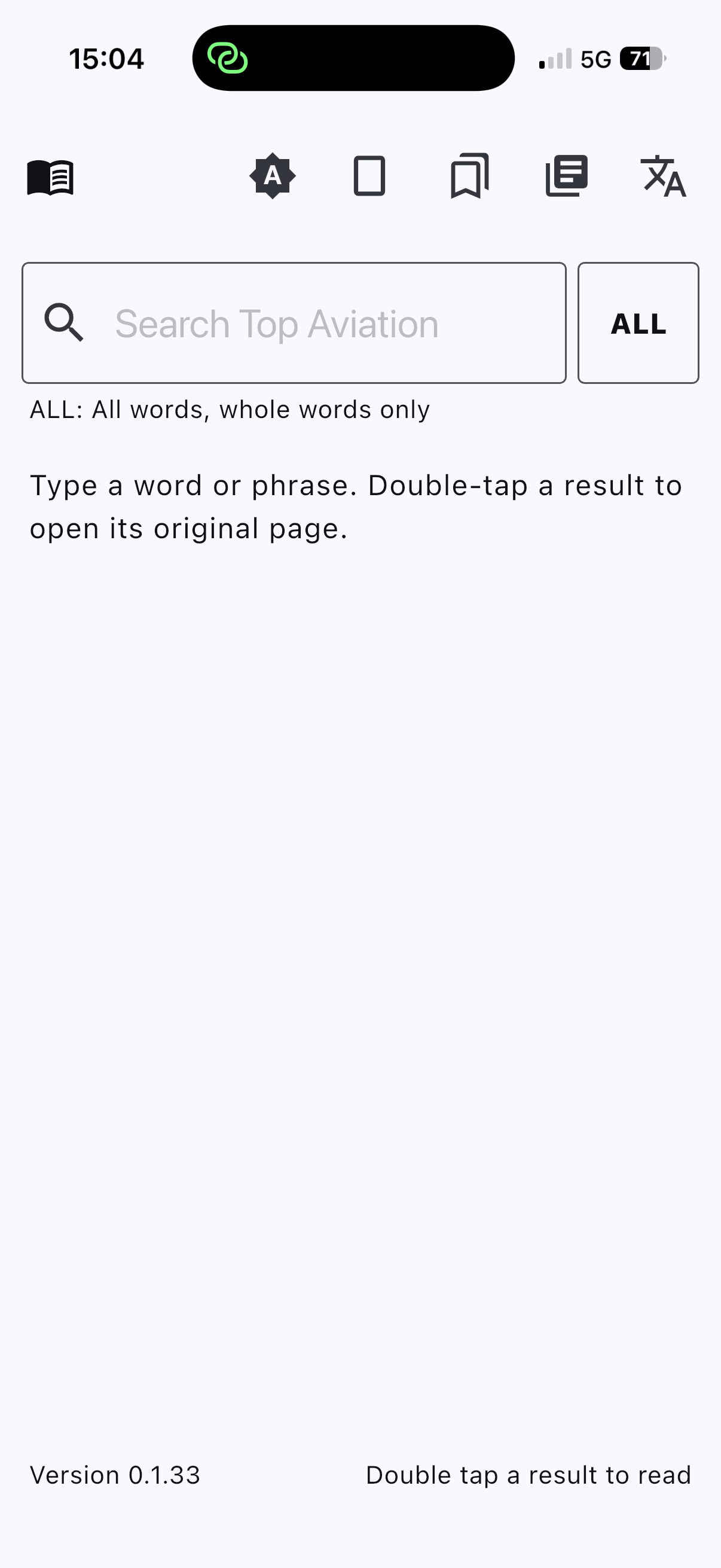
The button beside the search field cycles ALL, PART, ANY, and EXACT.
ALL
Every word must appear, and each one as a whole word.
PART
Every word must appear. A word may be the start of a longer word, so press finds pressure.
ANY
Any one of the words is enough, as a whole word.
EXACT
The words must appear together, in that order. Capitals do not matter.
Type a word or a phrase. Double-tap a result to open its original page. Search uses the index on the device. It does not need an account or the internet.
Your PDFs, on the device
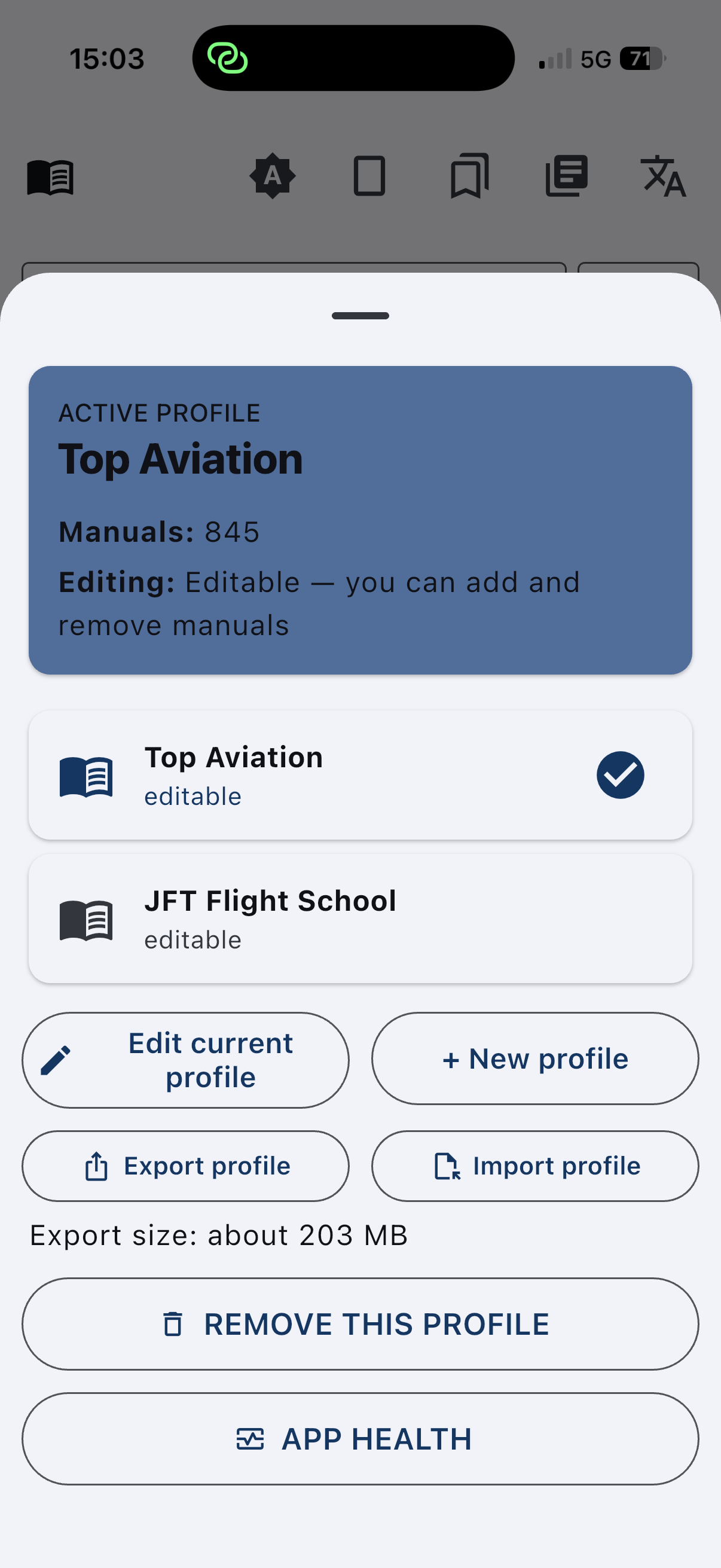
A profile for a set of manuals
Make a profile, or import one. Import PDFs into the library. The documents, the search index, and the bookmarks stay on the device.
Encrypted export
Export and import are encrypted .avsp files (AES-256-GCM) with a password you choose. Only this app can open them, and only with that password. TecAv does not receive the file unless you email one.
Bookmarks
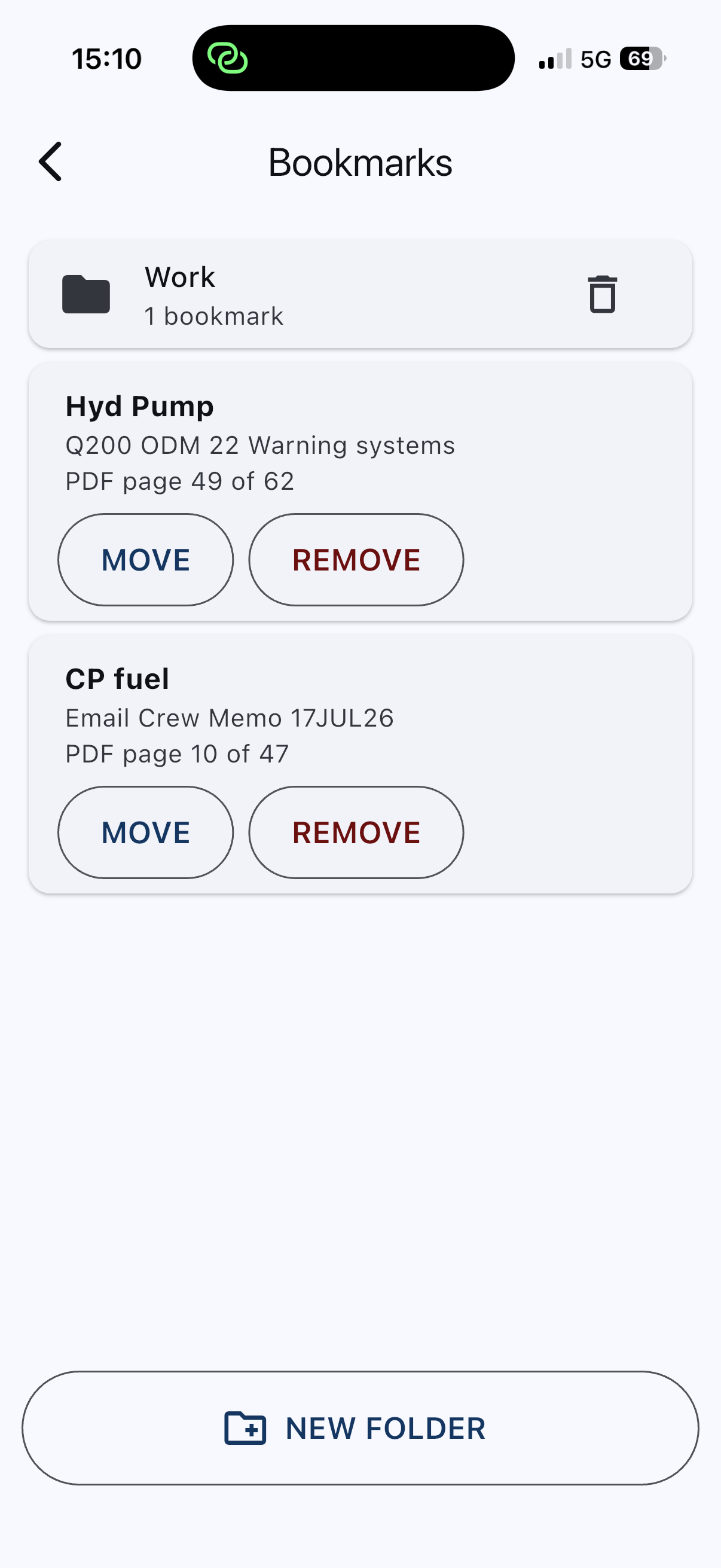
Save a page, put it in a folder, and move or remove it later. Open it again without searching.
Your language on the screen
Fourteen languages, the same set as Time and Fuel, including Arabic right to left. The documents stay as they were written.
iPhone, iPad, and Android
iOS 16.4 or later. Android 7.0 (API 24) or later. Phones and tablets. On a larger screen the page can sit beside the list.
Qwen3, if you want it
On a relatively new device, App Health can download Qwen3, and only after you confirm. There is no extra cost. It stays on the device and helps where word matching misses. The file comes from huggingface.co. Your manuals are not sent.
What it is not
Av Search is not an approved electronic flight bag, and it is not a substitute for the official manual. You are responsible for the documents you load.